Table of Contents
ToggleFree AI Video Tools are Changing Content Creation Forever
Free AI video tools make it easy to create videos. You don’t need costly software or special skills.
If you are new, a blogger, or a marketer, video can feel hard. Editing takes time. Tools feel confusing. Hiring help costs money.
But there is good news.
AI can now turn your text into videos. You can make short clips for social media. You can even create full videos in minutes.
Let’s look at the best tools you can use today.
To understand how AI is transforming video creation, you can explore this guide from HubSpot:
(This helps you understand industry trends and why these tools matter)
Why Free AI Video Tools Are Worth Using
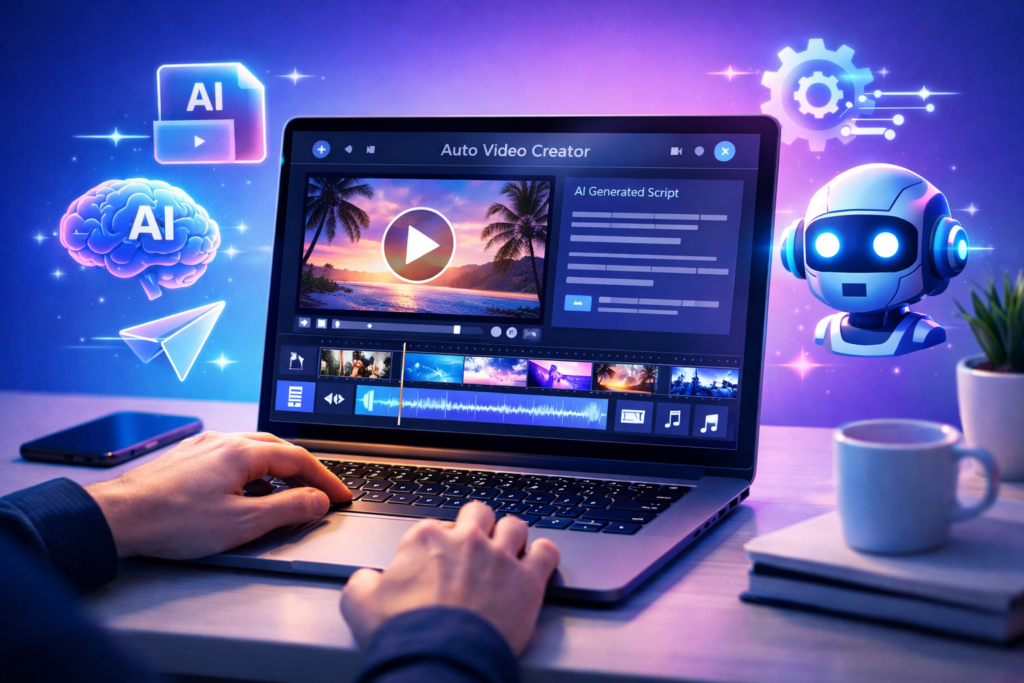
Before you choose a tool, it helps to know why it matters.
Video is now everywhere. People watch it on Pinterest, YouTube, and Instagram. But editing videos the old way takes a lot of time.
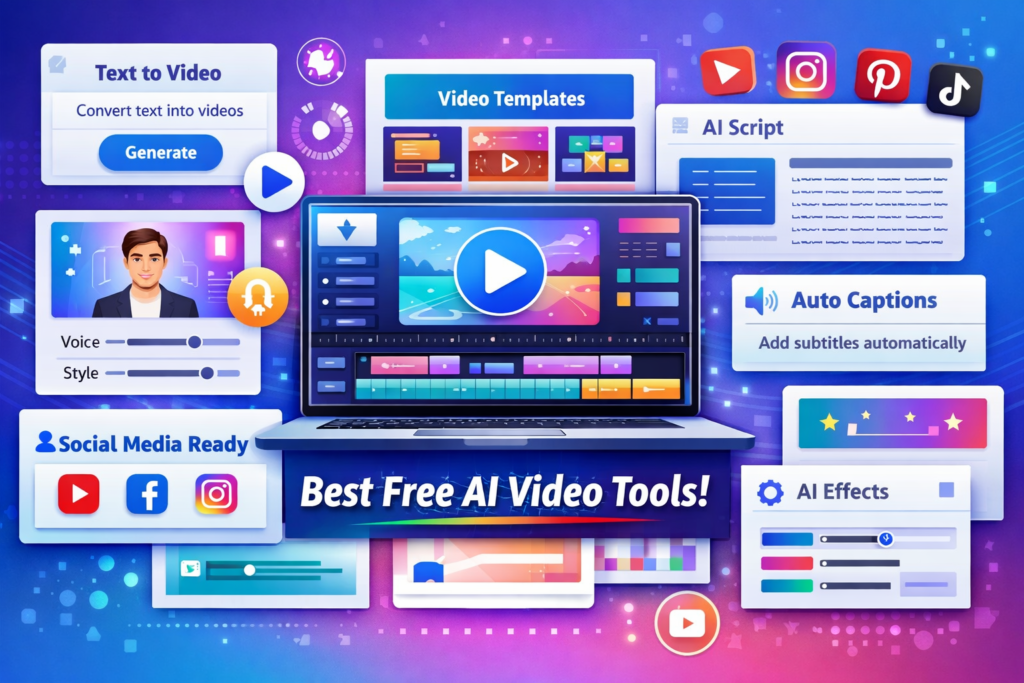
Free AI video tools make this easier. They help you:
- Create videos automatically
- Save time on editing
- Spend less money
- Start even if you are new
If you want to understand how AI video fits into a complete strategy, this guide on AI Tools for Digital Marketing explains how different tools work together to grow traffic and conversions:
9 Free AI Video Tools You Can Start Using Today
1. Pictory AI
Pictory helps you turn blog posts into videos. It works fast and is easy to use.
- Turn text into video
- Add captions automatically
- Works well for YouTube and Pinterest
If you’re curious about how it performs in real use:
If you’re wondering whether this tool is worth using, this detailed Pictory AI review breaks down features, pros, and real use cases:
2. Lumen5
Lumen5 is very easy for beginners. You can create videos in minutes.
- Simple drag-and-drop
- Turns articles into videos
- Great for social media
3. InVideo AI
InVideo helps you make marketing videos fast.
- Ready-made ad templates
- AI helps write scripts
- Easy to edit
4. Canva AI Video
Canva is simple and popular. Its AI video tools are great for new users.
- Ready templates
- Text-to-video feature
- Very easy to use
If you want a beginner-friendly design tool with video features, this detailed Canva AI review explains everything clearly:
5. Synthesia (Free Demo)
Synthesia lets you create videos with AI people.
- No camera needed
- Clean, professional look
- Good for business videos
6. VEED.IO
VEED is great for quick editing.
- Auto captions
- Cut and trim videos
- Made for social media
7. Kapwing AI
Kapwing is perfect for creators.
- Make memes and short videos
- AI editing tools
- Easy team work
8. Runway ML
Runway gives you more advanced tools.
- Remove backgrounds
- Add AI effects
- Create unique videos
If you’re exploring automation tools as well:
If you want to automate more than just video creation, this guide on AI Automation Tools for Business shows how to save time across your workflow
9. Animoto
Animoto is simple and fast.
- Drag and drop builder
- Great for marketing videos
- Quick video creation
If you want to explore professional video editing basics, check Adobe’s guide:
(This gives you deeper knowledge of video creation fundamentals)
How Free AI Video Tools Help You Make Money

Free AI video tools are not just for fun. You can use them to make money.
You can:
- Make YouTube videos
- Start your own content business
- Sell video services
- Promote affiliate products
If you want to go deeper into monetization:
If your goal is to earn online, this guide on how to make money with AI explains multiple ways to turn AI tools into income streams:
To learn how creators earn from video content, see this YouTube creator guide:
(This explains how monetization works on video platforms)
Best Strategy to Use Free AI Video Tools
Here is a simple plan you can follow:
Step 1: Pick one tool
Start with easy tools like Canva or Pictory.
Step 2: Make short videos
Focus on:
- Tips
- List videos
- Simple tutorials
Step 3: Post your videos
Share them on Pinterest and YouTube.
These platforms show more video content to people.
If you’re targeting Pinterest traffic:
If you need more content ideas to turn into videos, this guide on Free AI Tools for Content Creation helps you generate posts faster:
For content marketing insights, this resource from Neil Patel is helpful:
(It shows how video improves traffic and conversions)
Free AI Video Tools vs Paid Tools
Free tools are helpful, but they have limits.
Free tools
- Limited downloads
- Watermarks on videos
- Basic features only
Paid tools
- More control and options
- Better video quality
- More advanced features
If you’re comparing tools:
If you’re unsure which tool to start with, this guide on the best AI tools for beginners helps you choose the right option based on your goals
Tips to Get Better Results
- Keep videos short (30–60 seconds)
- Add captions to get more views
- Use clear and simple scripts
- Focus on one idea in each video
Stay consistent. That matters more than being perfect.
Mistakes to Avoid
- Using too many effects
- Forgetting the story
- Not making videos for mobile
- Posting without a plan
Conclusion
Free AI video tools make video creation easy and fast for everyone.
If you are new or a marketer, these tools can help you grow without spending money.
Start with one tool. Stay consistent. Focus on giving value.
Frequently Asked Questions
1. What are Free AI Video Tools?
These are tools that use AI to help you create or edit videos. You do not need advanced skills.
2. Are these tools good for beginners?
Yes. Most tools are simple and easy to use.
3. Can I make money with these tools?
Yes. You can create content, sell services, or promote products.
4. Do free tools have limits?
Yes. Some add watermarks, limit downloads, or have fewer features.
5. Which tool is best to start?
It depends on your needs. Canva and Pictory are great for beginners.


Be the first to comment