Table of Contents
ToggleIntro
Best AI Tools for Beginners are changing how people work and create.
Today, AI tools can help write content, create images, and handle daily tasks. The best part is that anyone can use them, even without tech skills.
But if you are new to AI, the number of tools online can feel confusing. There are many platforms, and it is not always clear which ones are useful.
The good news is that many AI tools are made for beginners. These tools are simple to use and easy to set up. You do not need coding or special knowledge.
In this guide, you will learn about the best AI tools for beginners in 2026. You will also see what each tool does and how you can start using AI to save time, be more creative, and grow your work or business.
What Are AI Tools?
AI tools are programs that use artificial intelligence to help people do tasks faster.
They can write text, create images, make videos, and answer questions.
Instead of doing everything by hand, you can give the AI a simple prompt. The tool then creates the result in seconds.
Some common AI tools include:
AI writing tools
AI image tools
AI video tools
AI chat tools
AI automation tools
Many of these tools learn from large amounts of data. This helps them understand instructions and give helpful results.
The best part is that AI tools make hard tasks easier. Even beginners can use them without special skills.
Why Beginners Should Start Using AI Tools
Artificial intelligence is not just for developers or big companies anymore. Today, beginners can use AI to make work easier, save time, and learn new skills.
Here are some simple reasons why beginners should try AI tools.
Better Productivity
AI tools can handle repeat tasks like writing emails, summarizing documents, or giving new ideas. This saves time and helps people focus on more important work.
More Creativity
AI can help with ideas, images, videos, and content writing. Many creators use AI tools to work faster and create more.
Learning and Study Help
Students and professionals use AI tools to understand hard topics. AI can explain ideas, summarize articles, and help with research.
Business and Marketing Help
Small business owners and marketers use AI to write content, manage social media, and understand customer data.
AI technology keeps improving. Learning how to use AI tools today can become a valuable digital skill for the future.
Best AI Tools for Beginners
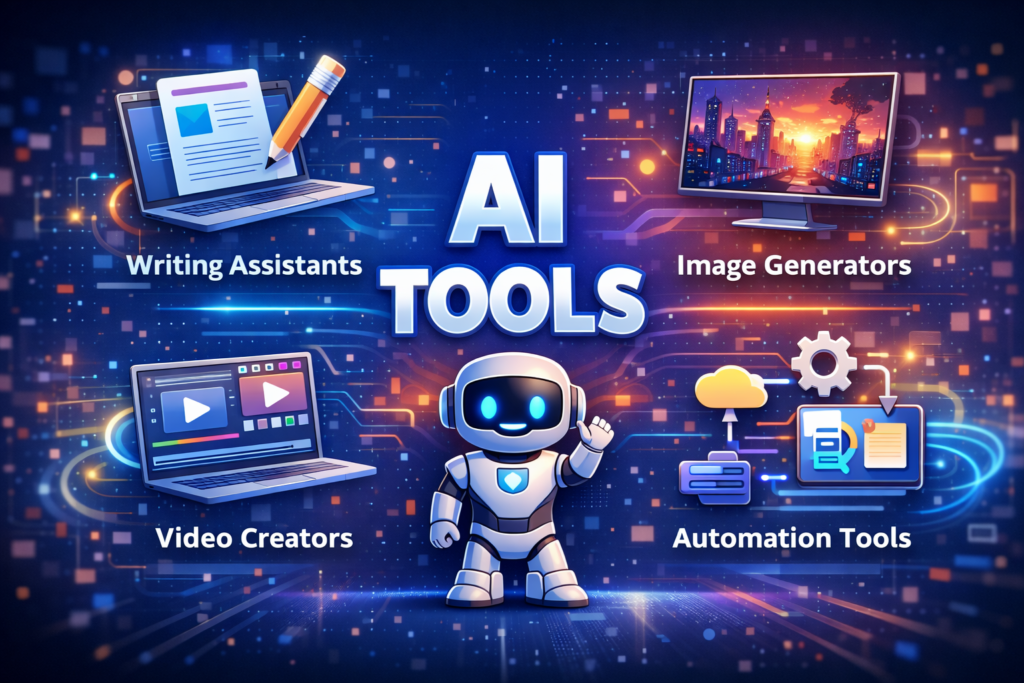
Below are some of the best AI tools for beginners. These tools are popular and easy to use. They have simple interfaces that help people start using AI quickly.
1. ChatGPT
ChatGPT is one of the most popular AI tools for beginners.
It works like a smart chat assistant. You type a question or prompt, and the AI gives an answer in seconds.
People often use ChatGPT for:
Writing blog posts
Getting new ideas
Summarizing information
Learning new topics
Drafting emails
The tool is simple to use and does not require technical skills.
2. Canva AI
Canva is a popular design tool that now includes AI features.
These AI tools help users create graphics faster. They can generate images, write text, remove backgrounds, and design layouts.
Beginners often use Canva for:
Social media graphics
Presentations
Marketing images
YouTube thumbnails
Posters and infographics
Canva uses an easy drag-and-drop editor, which makes it great for beginners.
3. Jasper AI
Jasper AI is an AI writing tool made for bloggers, marketers, and content creators.
It helps people write content faster.
Users can create:
Blog posts
Product descriptions
Social media captions
Marketing text
Jasper also offers templates and SEO support to make writing easier.
4. Grammarly AI
Grammarly is best known for checking grammar.
Today it also includes AI writing features that improve clarity and tone.
It can help users:
Fix grammar mistakes
Rewrite sentences
Improve tone
Choose better words
Grammarly works in browsers, emails, and documents, so it is easy to use every day.
5. Midjourney
Midjourney is a powerful AI tool that creates images from text prompts.
For example, you can type:
“Futuristic city at sunset in cyberpunk style.”
The AI will generate unique artwork based on your description.
People use Midjourney for:
Digital art
Design ideas
Social media visuals
Creative projects
The tool runs inside Discord, but beginners can learn it quickly.
6. Notion AI
Notion AI adds AI features to the popular productivity tool Notion.
It helps users organize ideas and create content faster.
People often use Notion AI for:
Taking notes
Managing tasks
Organizing information
Writing drafts
Students and professionals use it to manage large amounts of information.
7. Runway ML
Runway ML is an AI tool made for video creation.
It helps users create and edit videos without advanced editing skills.
Features include:
AI video creation
Motion tracking
Background removal
Text-to-video tools
Many creators and filmmakers use Runway ML to make videos faster.
How to Choose the Right AI Tool
There are many AI tools today. This can feel confusing for beginners.
The best way to start is to choose tools that match your goals.
Here are a few simple tips to help you pick the right AI tool.
Know Your Goal
First, think about what you want to do with AI.
For example, you may want to:
Write content
Create graphics
Automate simple tasks
Learn new topics
Stay more productive
When you know your goal, it becomes easier to choose the right tool.
Choose Simple Tools
Some AI tools are easier to use than others.
Beginner tools often have:
Simple dashboards
Helpful guides
Ready-to-use templates
Tools like ChatGPT and Canva are popular because they are easy to start with.
Try Free Versions
Many AI tools offer free plans or trial versions.
This allows you to test the tool before paying for it.
Free plans are a good way to learn how AI works.
Learn One Tool First
Do not try to learn many AI tools at the same time.
Start with one tool.
When you feel comfortable, you can try another tool later.
Learning step by step makes AI much easier to understand.
Tips for Getting Better Results From AI Tools
AI tools work better when you give clear instructions.
Here are some simple tips to get better results.
Write Clear Prompts
The quality of AI answers depends on how clear your prompt is.
Instead of writing:
“Write about marketing.”
Try something more clear like:
“Write a beginner guide about social media marketing for small businesses.”
Give Some Context
Tell the AI a little background about what you want.
This helps the AI give a better and more accurate answer.
Try Different Prompts
Do not be afraid to test different prompts.
Small changes in your prompt can give better results.
Check and Edit the Results
AI can create content fast, but you should still review it.
Edit the text to make sure it is correct and clear.
Common Mistakes Beginners Should Avoid
AI tools are very helpful, but beginners sometimes make simple mistakes.
Here are a few common ones to avoid.
Expecting Perfect Results Right Away
AI does not always give the perfect answer on the first try.
You may need to edit or improve the results.
Using Too Many Tools
Trying too many AI tools at the same time can be confusing.
It is better to start with a few tools and learn them well.
Ignoring Tutorials and Guides
Many AI tools offer tutorials and help guides.
These resources can help beginners learn faster.
Relying Too Much on AI
AI should help your work, not replace your thinking.
Always review the results and use your own judgment.
The Future of AI Tools
Artificial intelligence is growing very fast. New AI tools are created every year.
These tools can make videos, automate tasks, and analyze data.
Experts believe AI will become part of many industries. This includes marketing, education, design, and software development.
For beginners, learning how to use AI tools today can build useful digital skills for the future.
Frequently Asked Questions
1. What are the best AI tools for beginners?
Some of the best AI tools for beginners include ChatGPT, Canva, Grammarly, Notion, and Jasper AI.
These tools are simple to use and do not need coding skills. Beginners can use them to write content, design graphics, organize work, and get more done.
2. Do beginners need coding skills to use AI tools?
No. Most AI tools are made for beginners and do not require coding.
You just type a prompt or question, and the AI gives a result. This makes AI tools easy for students, creators, and business owners to use.
3. How can beginners start using AI tools?
Beginners should start with one or two simple tools like ChatGPT or Canva.
Try small tasks first, such as writing ideas, making social media graphics, or summarizing text. As you learn more, you can try other AI tools.
4. Are AI tools free to use?
Many AI tools offer free versions with basic features. For example, ChatGPT and Canva both have free plans.
Paid plans often include more features and higher limits.
5. What can beginners use AI tools for?
Beginners can use AI tools for many tasks, such as:
Writing blog posts or emails
Creating images and graphics
Generating ideas
Learning new topics
Managing tasks and notes
AI tools help save time and make work easier.
Final Thoughts
AI tools are making powerful technology easy for everyone to use.
Beginners do not need coding skills or deep technical knowledge to start using AI.
You can begin with simple tools like ChatGPT, Canva, and Grammarly. These tools help people write, design, and work faster.
Start small and try different AI tools. This helps you learn what works best for you.
As AI keeps growing, people who learn these tools early will be better ready for the digital future.

Be the first to comment