Table of Contents
ToggleIntro
Creating designs, social media posts, and marketing visuals can feel overwhelming—especially if you’re not a designer.
That’s where Canva AI comes in.
It helps you create graphics, write content, and design visuals in minutes—even if you are a beginner.
In this Canva AI review, you will learn how it works, its features, pricing, pros, and whether it is worth using.
What Is Canva AI?
Canva AI is a group of AI tools inside Canva that help you create designs faster.
Many people use it, such as:
• marketers
• content creators
• bloggers
• business owners
You can use Canva AI to create:
• social media graphics
• presentations
• blog images
• marketing designs
It combines design tools with AI writing and image creation.
Unlike traditional design tools, Canva AI combines design, writing, and image generation in one platform.
Here is a quick overview of Canva AI:
| Feature | Canva AI |
|——————|———————————-|
| Ease of Use | Very easy (beginner-friendly) |
| Best For | Beginners & content creators |
| AI Tools | Writing, design, image generation |
| Pricing | Free + Paid plans |
| Main Benefit | Fast content & design creation |
Why Canva AI Is Popular
Canva AI is popular because it is easy to use. It also combines many tools in one place.
You do not need many tools. You can create content and designs in one platform.
Why people like Canva AI:
• You don’t need design skills
• You can create content in minutes
• Everything works in one place
• Saves time for busy creators
Research from the National Institute of Standards and Technology shows that AI helps people work faster and save time.
Because of this, Canva AI is used by both beginners and professionals.
Now let’s look at what Canva AI can actually do.
Canva AI Features
1. Magic Write (AI Writing)
Magic Write helps you create text fast, even if you don’t know what to write.
You can create:
• blog ideas
• captions
• marketing copy
This makes writing quick and easy.
2. Text to Image
Canva AI can turn text into images.
You can create visuals without design skills.
3. Magic Design
Magic Design creates designs for you.
Upload your content, and Canva makes layouts.
4. Background Remover
This tool removes image backgrounds in seconds.
It is useful for product photos and social posts.
5. Templates and Design Tools
Canva has many ready-made templates.
You can create:
• Instagram posts
• presentations
• ads
For more tools, check our guide on Free AI Tools for Content Creation.
These features help you create content faster without needing design or writing experience.
Canva AI Pricing
Canva AI has free and paid plans.
Free Plan
• Basic tools
• Limited AI use
• Good for beginners
Canva Pro
• Full access to AI tools
• More templates
• Advanced design features
Canva Teams
• Team tools
• Brand kits
• Easy team management
Prices can change, so check the official Canva website for updates.
👉 If you are just starting, the free plan is enough.
👉 If you create content daily, Canva Pro is worth it.
💡 Tip: If you post on Pinterest, blogs, or social media regularly, Canva Pro can save hours of work every week.
Canva AI Pros and Cons
Pros
• Very easy for beginners (no design skills needed)
• Saves hours of work
• All tools in one place
Cons
• Free plan has limits
• AI content still needs editing
• Not for advanced designers
Canva AI Use Cases
Social Media Content
Many Pinterest creators use Canva AI to design pins that drive traffic to blogs and affiliate offers.
Create posts and visuals fast.
You can also check AI Tools for Social Media Marketing.
Blogging
Create blog images and graphics.
Marketing
Make ads and promo content.
Email Design
Create visuals for email campaigns.
Check AI Tools for Email Marketing.
Freelancing
💡 Example:
Many freelancers use Canva AI to create Pinterest pins, social posts, and sell design services online.
Offer design services using Canva.
If you want to earn online, read AI Side Hustles for Beginners.
Canva AI vs Other Tools
Canva AI is similar to tools like Adobe Express and other AI design tools.
Here are the main differences:
• Canva is best for beginners and quick design
• Adobe Express offers more advanced editing
• Canva is faster for creating content and marketing visuals
The best tool depends on what you need.
How to Use Canva AI
Using Canva AI is easy.
Step 1: Sign Up
Create your account.
Step 2: Choose a Template
Pick a design you like.
Step 3: Use AI Tools
Use Magic Write or text-to-image tools.
Step 4: Customize Your Design
Change colors, fonts, and layout.
Step 5: Download or Share
Save your design or share it online.
Is Canva AI Worth It?
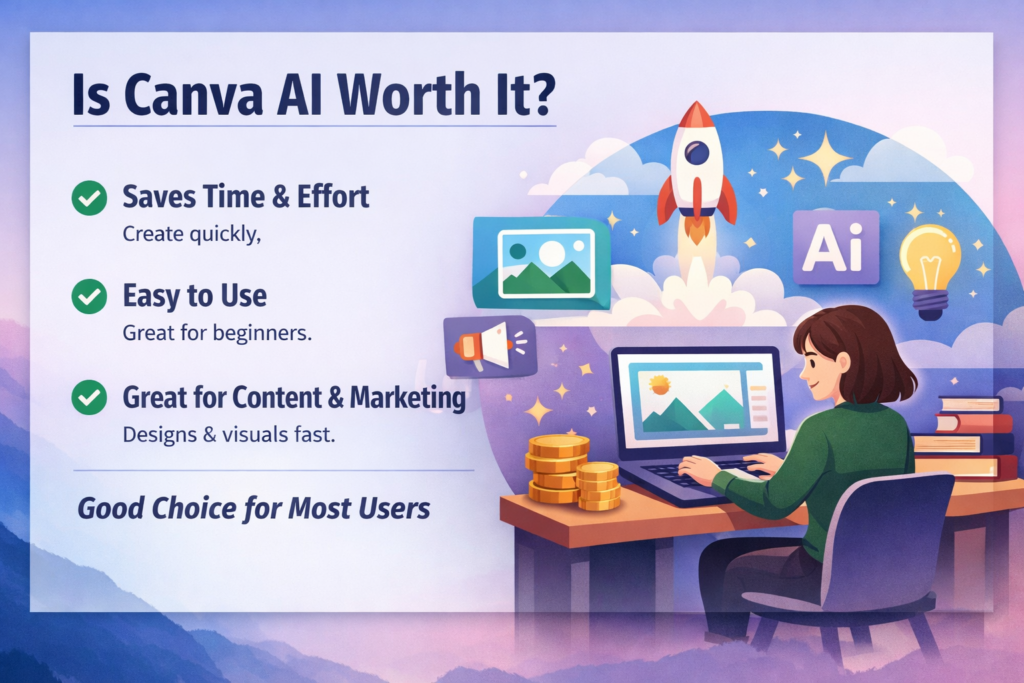
If you want a simple tool to create designs fast, Canva AI is worth it.
It is best for beginners, bloggers, and marketers who want quick results without learning complex design software.
In my experience, Canva AI is one of the easiest tools to start with if you are new to design.
👉 Try Canva AI and create your first design in minutes — even if you have no design experience.
Future of Canva AI
AI design tools are growing fast.
People use them for:
• design automation
• content creation
• marketing
Reports from Harvard Business Review show that AI is changing how businesses create content.
Research from MIT Technology Review also shows that AI tools are growing quickly.
Should You Try Canva AI?
If you want to create designs and content faster, Canva AI is worth trying.
It is simple, fast, and beginner-friendly.
You can start with the free plan and upgrade later.
Conclusion
This Canva AI review shows that it is one of the easiest tools for design and content creation.
It may not replace advanced tools, but for most beginners and creators, it is more than enough.
If you want to save time and create content faster, Canva AI is a smart choice.
👉 Start with Canva AI today and see how quickly you can create professional designs.
Frequently Asked Questions
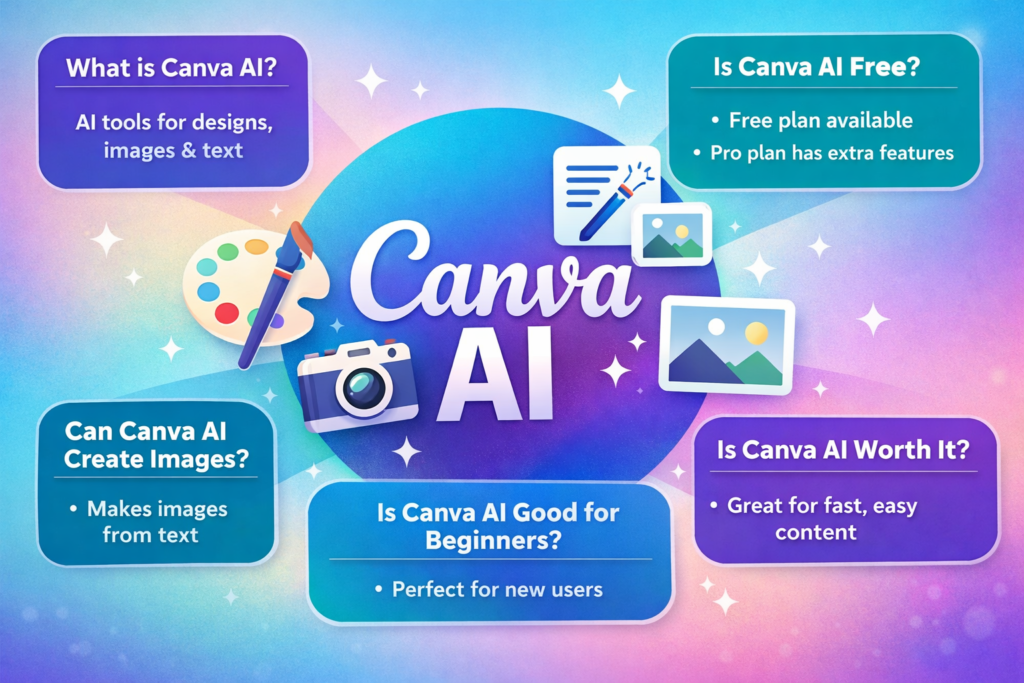
What is Canva AI?
Canva AI is a set of tools that help you create designs, images, and text fast.
Is Canva AI free?
Yes, Canva has a free plan. Some AI features are only in the Pro plan.
Can Canva AI create images?
Yes, it can create images from text prompts.
Is Canva AI good for beginners?
Yes, it is easy to use and great for beginners.
Is Canva AI worth it?
Yes, it helps you create designs and content quickly.

Be the first to comment